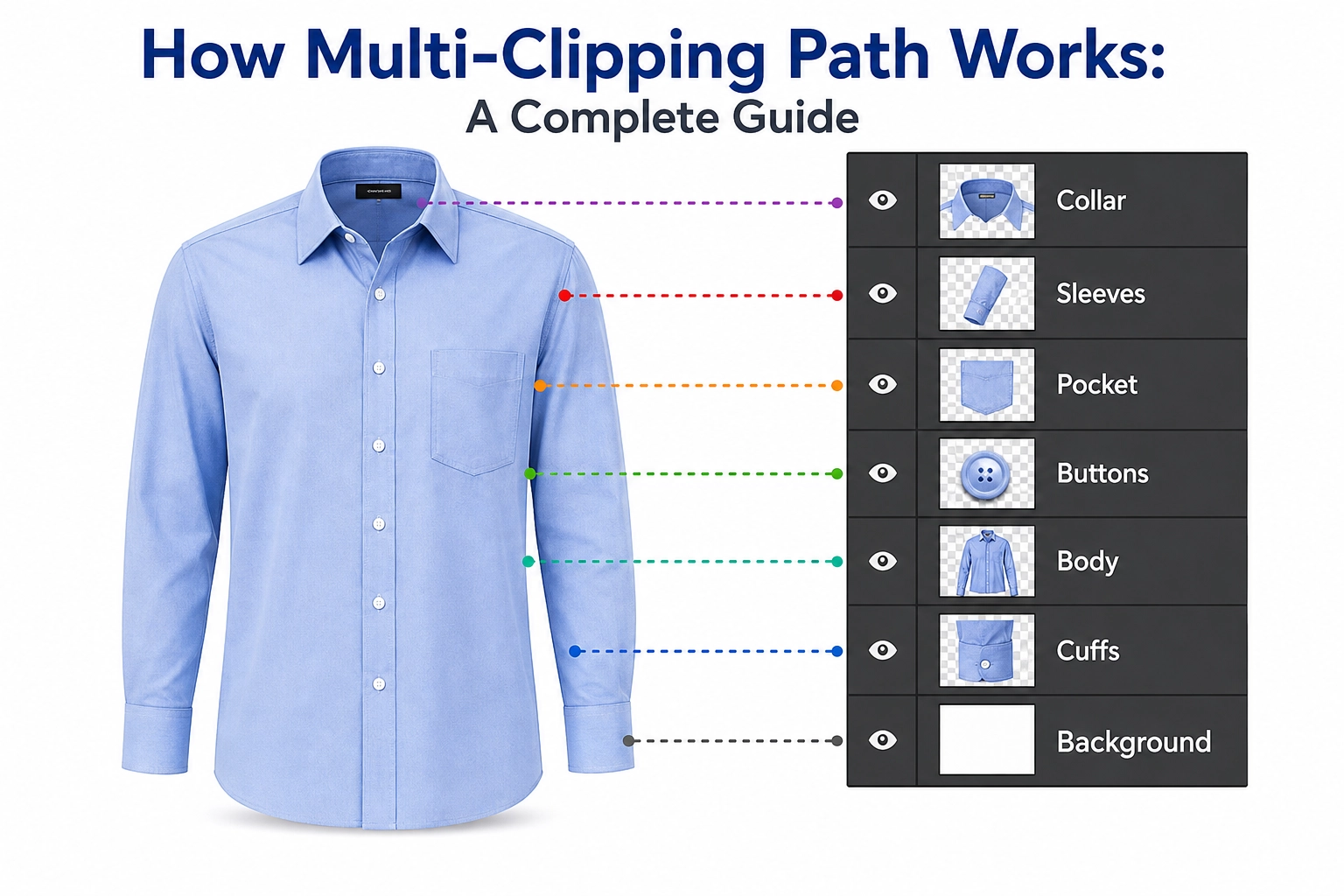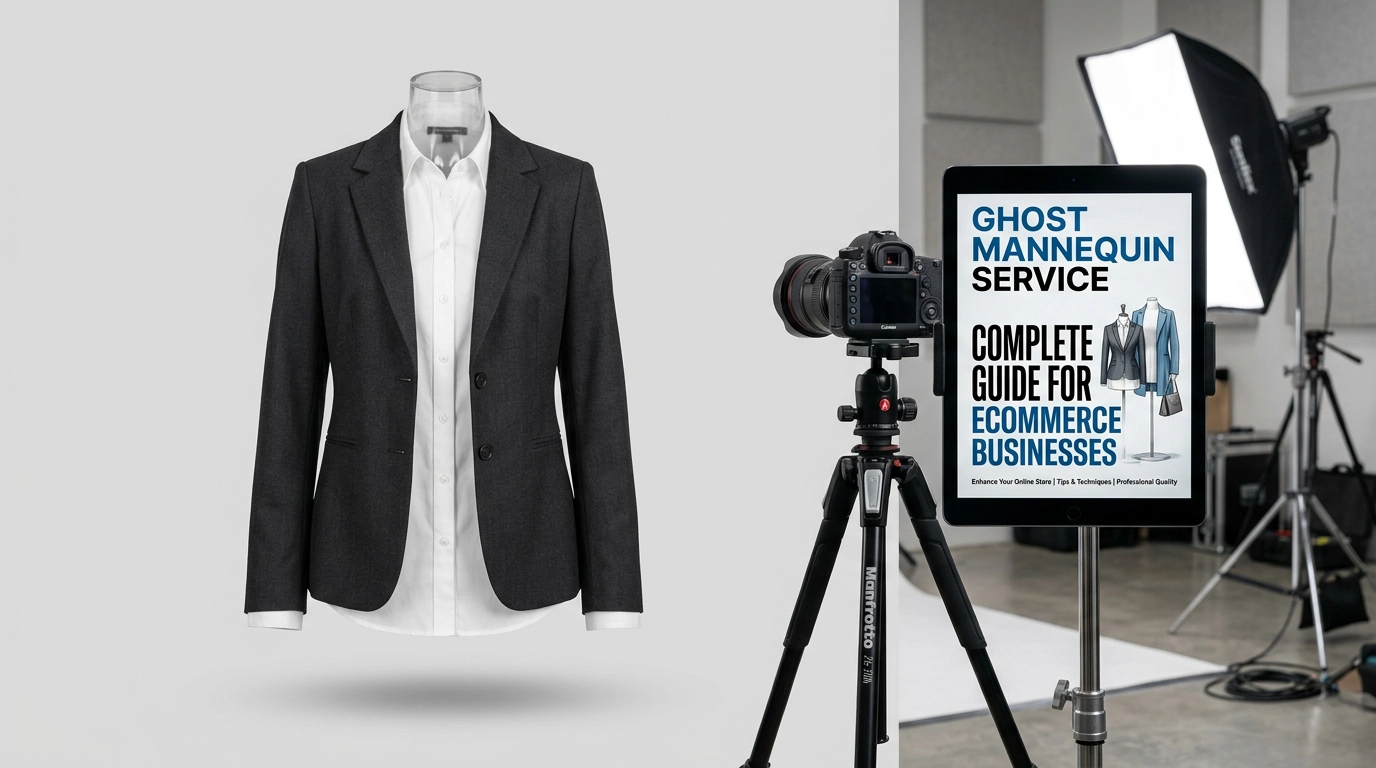
Fashion Photo Editing plays a vital role in making fashion images look polished, attractive, and ready for customers. At GRASIGNER, we help fashion brands, online stores, photographers, and clothing businesses present their products with a clean and professional appearance that builds trust and captures attention.
Our editing process focuses on enhancing the natural beauty of every image. We carefully adjust lighting, improve colors, remove unwanted distractions, smooth wrinkles, refine skin tones, and highlight garment details without making the photo look over-edited. The goal is always to create images that feel realistic, stylish, and visually appealing.
Whether you need images for eCommerce websites, social media campaigns, catalogs, lookbooks, or fashion advertisements, we provide consistent editing that matches your brand identity. Every photo is reviewed with attention to detail so the final result looks sharp, balanced, and ready for publication.
At GRASIGNER, we believe great editing should enhance the fashion, not hide it. That is why our team delivers high-quality fashion photo editing with accuracy, fast turnaround, and a professional finish that helps your brand stand out in a competitive market.
What is Fashion Photo Editing?
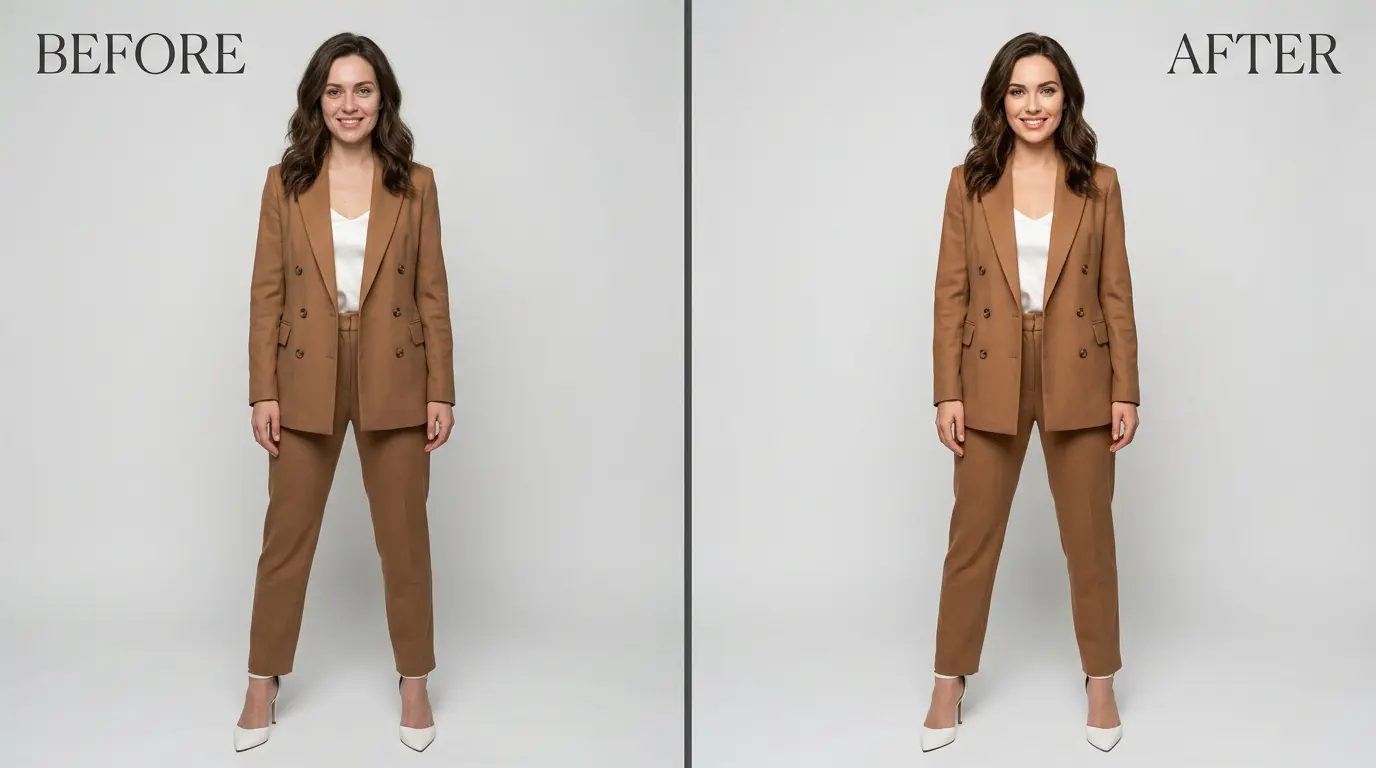
Fashion photo editing is the art and science of digitally enhancing images related to the fashion sector, including apparel, footwear, handbags, jewelry, and other accessories. The goal is to create polished, high-resolution visuals that exude luxury and professionalism, making products irresistible to potential buyers. Professional editors use advanced software to perform tasks like color correction, body contouring, shadow addition, blemish removal, background optimization, and overall image polishing. These edits ensure that the final photos are optimized for various platforms, such as online stores, digital marketing campaigns, Instagram feeds, and print catalogs.
At its core, fashion photo editing bridges the gap between raw photography and consumer-ready imagery. Raw photos from a shoot often suffer from lighting inconsistencies, minor imperfections, or distracting elements that can detract from the product’s appeal. Editors step in to refine these issues, highlighting the product’s best features while maintaining a natural look. For instance, in e-commerce, where customers rely solely on images to make purchasing decisions, edited photos can significantly influence buying behavior by showcasing accurate colors, textures, and fits.
This process isn’t just about aesthetics; it’s a strategic tool for businesses. By investing in quality editing, brands can reduce return rates caused by mismatched expectations, enhance user engagement on websites, and improve search engine rankings through visually appealing content. In an era where visual content dominates online spaces, fashion photo editing has become indispensable for staying competitive. Whether done in-house or outsourced, it requires a keen eye for detail, technical proficiency, and an understanding of current trends to produce images that resonate with target audiences.
What are the Different Types of Fashion Photo Editing?
Fashion photo editing isn’t a one-size-fits-all approach; it includes a wide array of specialized techniques tailored to specific needs. These types range from subtle enhancements to dramatic transformations, each serving a unique purpose in making fashion visuals more engaging and sales-oriented. Below, we delve into the most common types, explaining their applications, benefits, and the tools typically involved. Understanding these variations can help you choose the right method for your project, whether it’s for a high-end magazine spread or an everyday online catalog.
Face Photo Editing
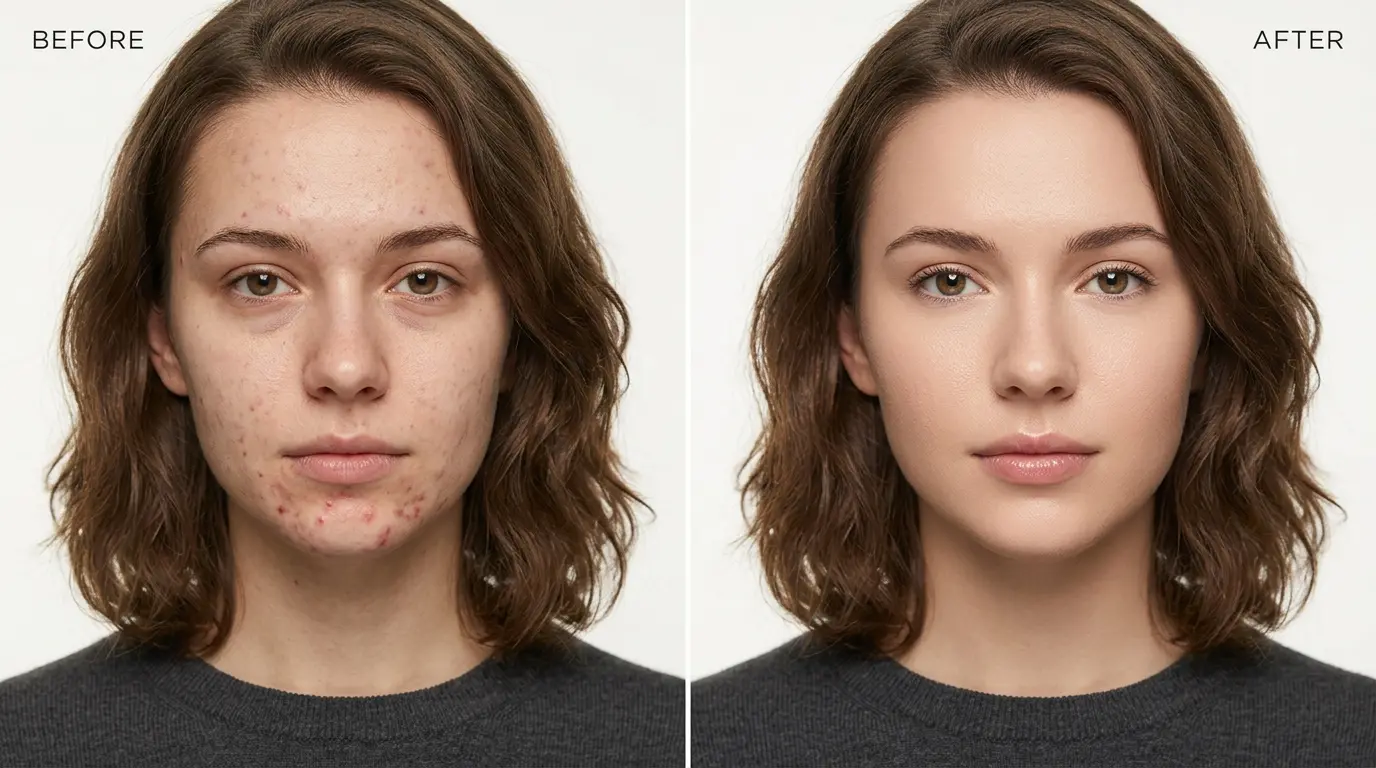
Face photo editing involves refining the model’s facial features to create a balanced, symmetrical, and appealing look. This includes evening out skin tones, removing blemishes like acne or scars, sharpening eyes, and subtly adjusting contours for better symmetry. Techniques such as the Liquify tool for reshaping, Dodge and Burn for highlighting and shadowing, and frequency separation for separating texture from color are commonly used in software like Adobe Photoshop.
The benefits are immense: a well-edited face draws viewers in, making the model appear more relatable and aspirational. In fashion campaigns, this type of editing ensures the focus remains on the clothing while the model’s expression enhances the overall narrative. For example, in beauty-focused shoots, face editing can amplify emotions, turning a simple portrait into a powerful brand statement. Editors must be cautious to avoid over-editing, which can result in an unnatural “plastic” appearance, emphasizing instead a realistic enhancement that preserves the model’s unique features.
Body Reshaping
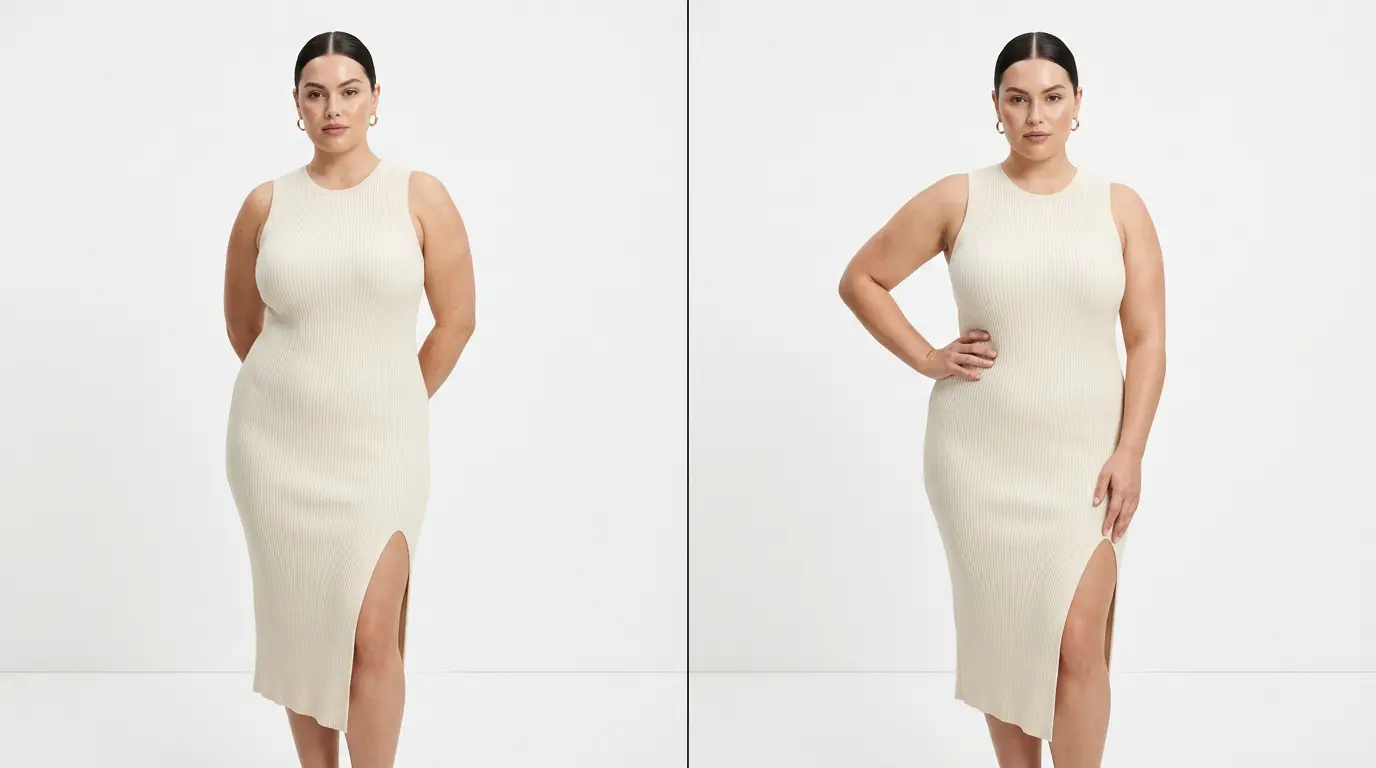
Body reshaping focuses on making subtle adjustments to the model’s posture, proportions, and silhouette to create a flattering, idealized form without distorting reality. This might involve slimming waistlines, lengthening legs, or correcting awkward poses caused by movement during the shoot. Key tools include Photoshop’s Liquify filter for fluid changes, the Transform tool for scaling, and non-destructive masking to apply edits selectively.
This technique is crucial in fashion where body positivity meets commercial appeal. Body reshaping helps clothes look better in photos, allowing customers to focus on the design and fit. Good retouching keeps the image natural and realistic, so it feels authentic and helps customers shop with confidence.
Skin Retouching
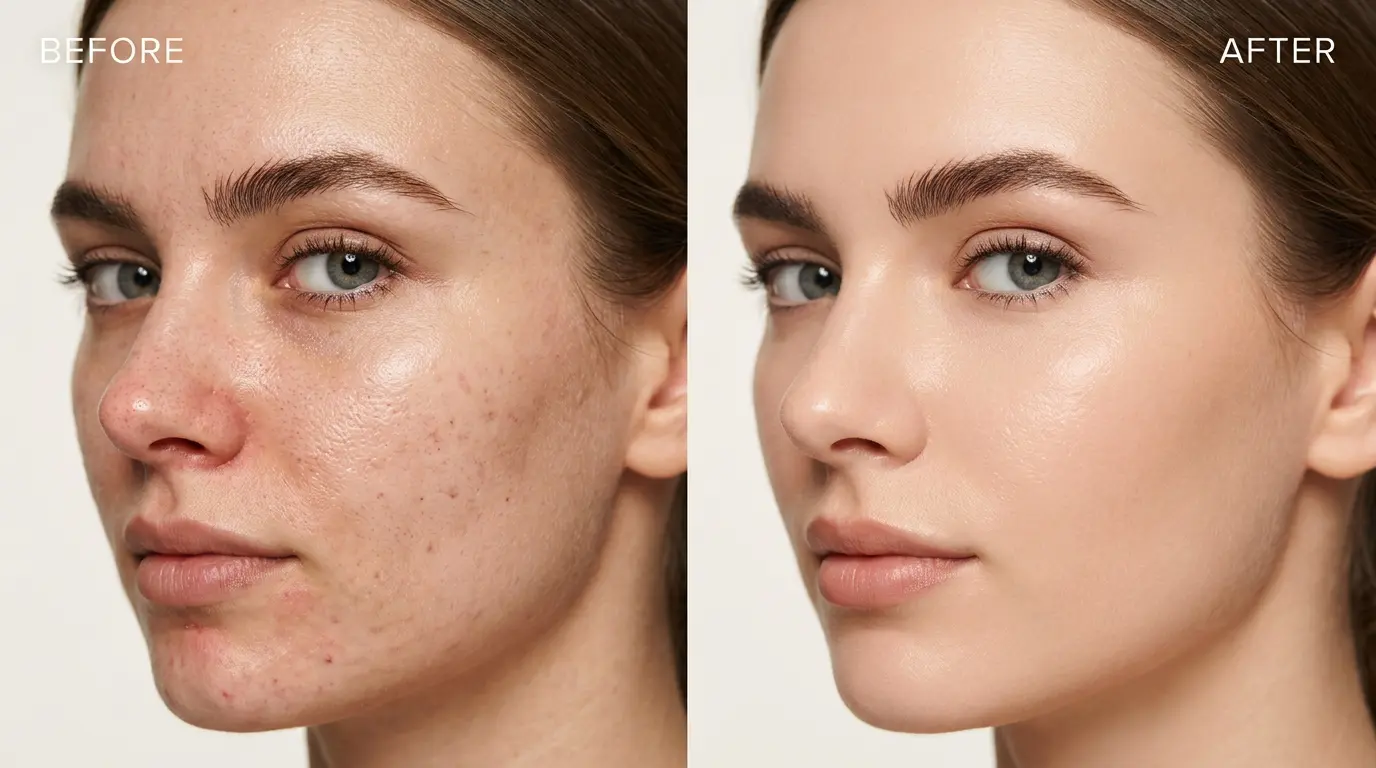
Skin retouching is all about achieving smooth, even-toned skin while retaining natural pores and textures. It addresses issues like blemishes, uneven pigmentation, shadows under the eyes, and temporary marks from makeup or environmental factors. Methods include frequency separation to handle texture and color independently, the Healing Brush for spot corrections, and Dodge and Burn for tonal adjustments.
In fashion photography, healthy-looking skin helps create a polished and premium appearance. Good retouching keeps the model’s natural features while giving every image a clean and consistent look. Automated tools can speed up editing, but careful manual retouching is what makes high-end fashion photos look truly professional.
Teeth Whitening
Teeth whitening brightens and evens out the color of teeth to create a radiant smile that complements the model’s face. This involves selective adjustments to avoid overexposure, using tools like Hue/Saturation layers for color shifts, precise masking to isolate teeth, and low-opacity brushes for natural blending.
A bright smile can transform a fashion photo, adding warmth and approachability. In close-up shots for accessories or beauty products, this edit draws attention to the lips and surrounding features. It’s a quick yet impactful technique that prevents yellowing from poor lighting, ensuring the image aligns with high-end standards without appearing artificial.
Beauty Retouching
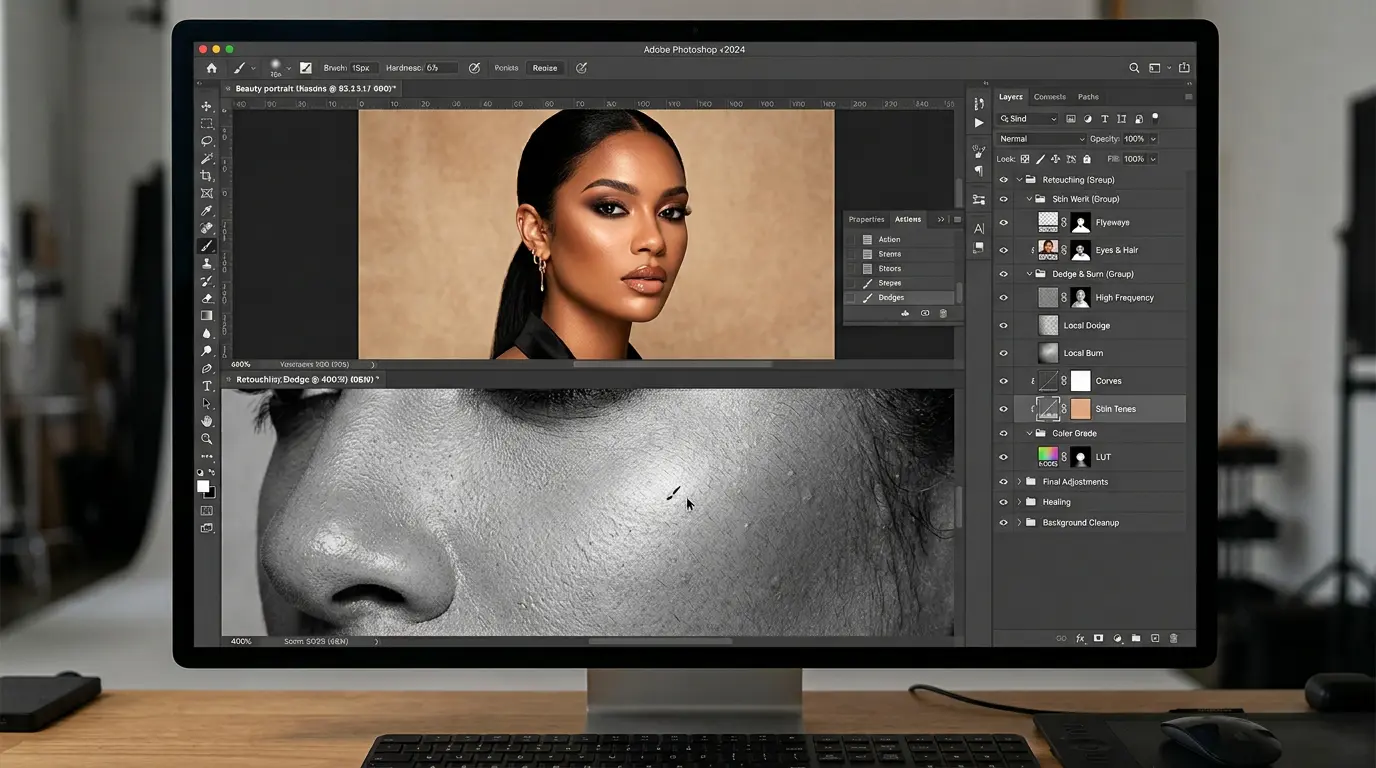
Beauty retouching combines multiple enhancements for the face, skin, hair, and makeup to produce a cohesive, luxurious look. It builds on individual techniques like skin smoothing and eye enhancement, using layered approaches in Photoshop for refined results.
This holistic method is ideal for editorial and advertising, where every detail contributes to the brand’s story. It creates visuals that evoke aspiration, driving consumer desire. By focusing on subtlety, editors ensure the retouching elevates without overwhelming, maintaining the photo’s authenticity.
Hair Masking
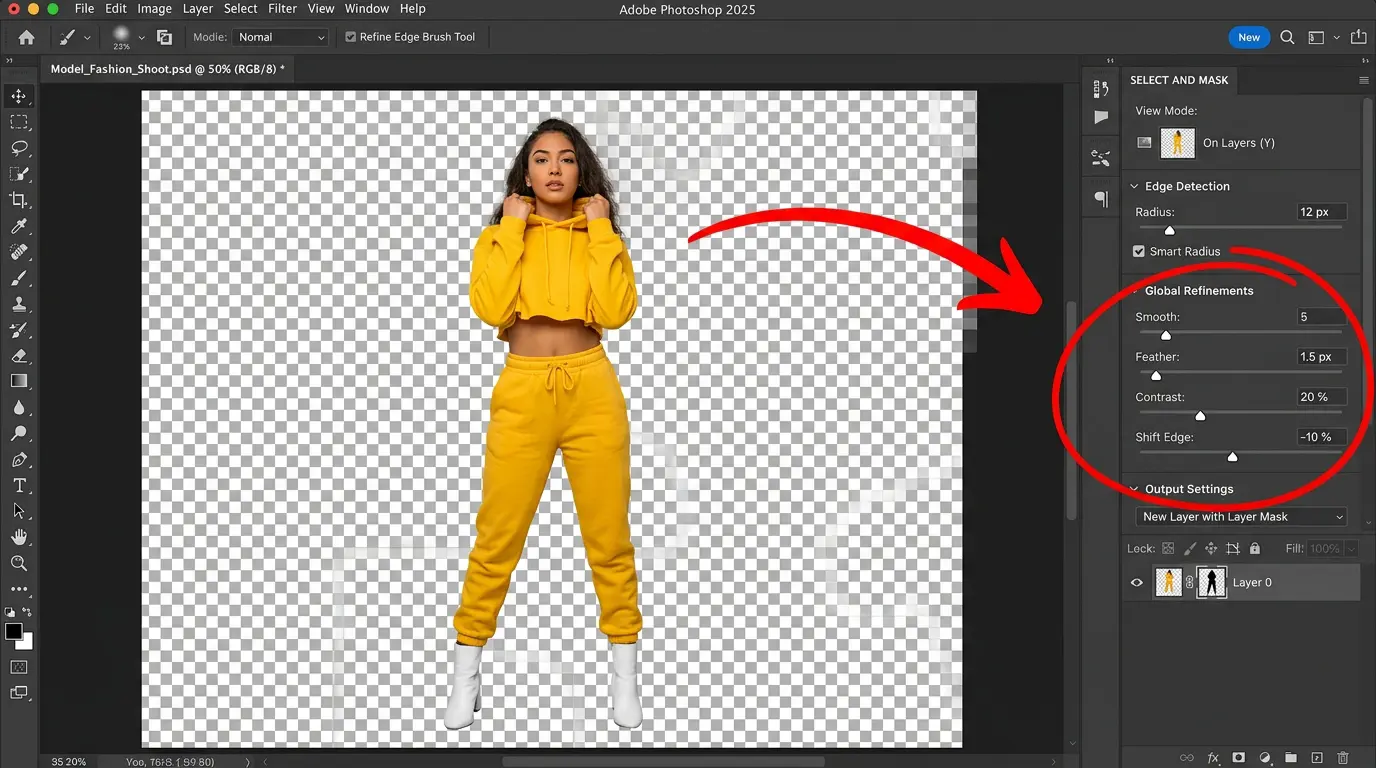
Hair masking isolates and refines hair strands for perfect integration with new backgrounds or composites. Advanced tools like channel selection, Refine Edge, and custom brushes handle frizz, flyaways, and edges.
Essential for composite images or background swaps, this technique ensures seamless blends, making hairstyles pop in fashion spreads. It handles complex textures, from curls to straight locks, enhancing the model’s overall polish.
Magazine Photo Editing
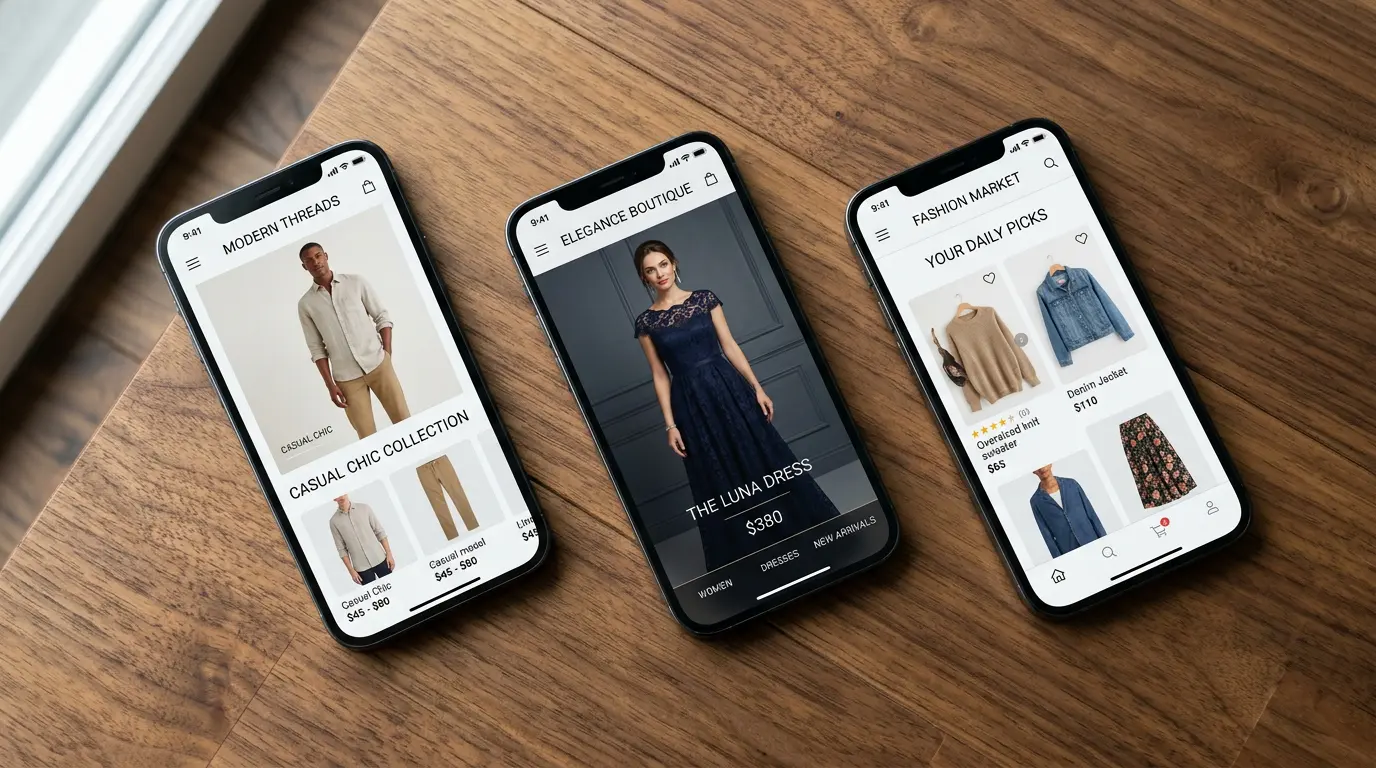
Magazine photo editing delivers high-end retouching, bold color grading, and compositing for print-quality images. It meets strict standards for resolution, contrast, and drama.
This type suits glossy publications, creating iconic visuals that captivate readers. It involves creative flair, turning standard photos into artistic statements.
Makeup Enhancement
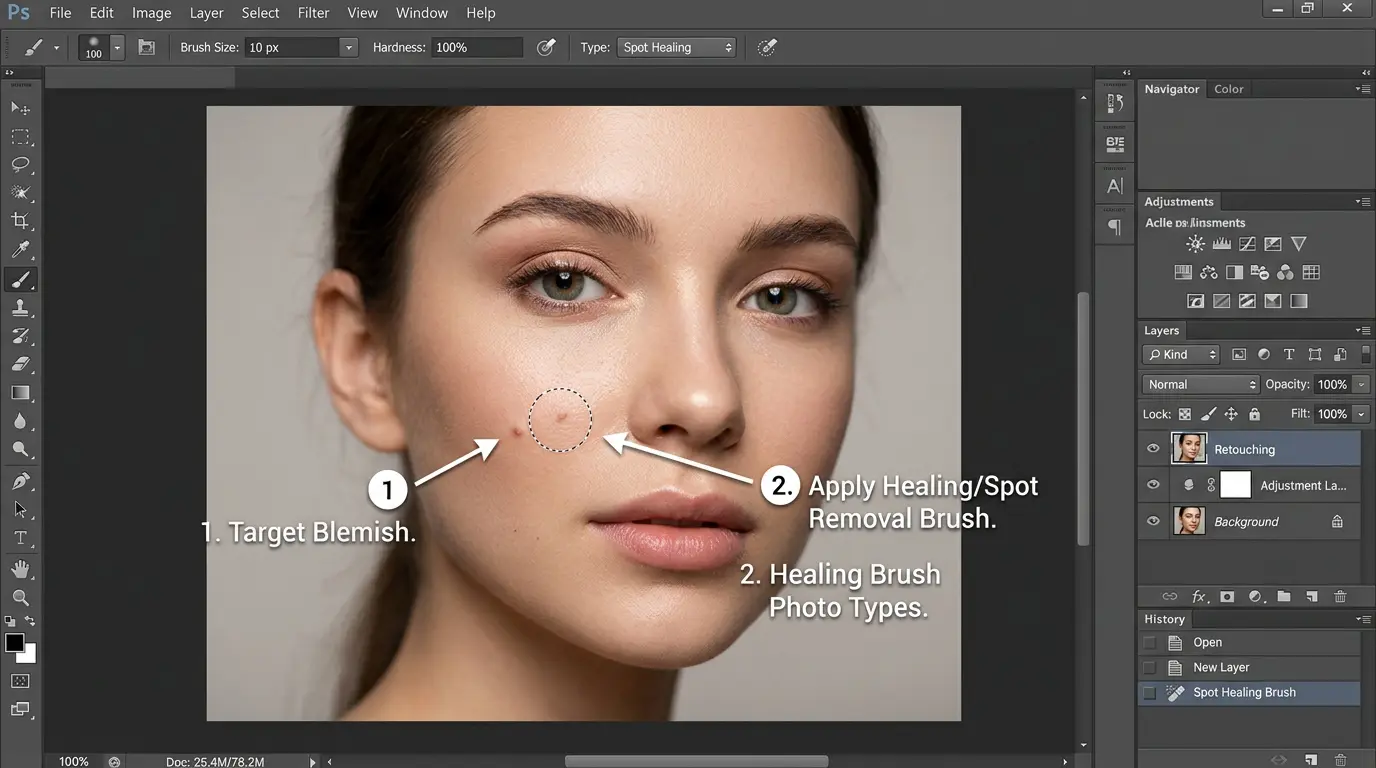
Makeup enhancement digitally intensifies or corrects eye shadow, lipstick, and contours for accuracy and vibrancy. Tools include selective color adjustments and Dodge and Burn.
It ensures makeup looks camera-ready, aligning with brand aesthetics. Perfect for beauty campaigns, it highlights products without physical reapplication.
Clothing & Fabric Editing
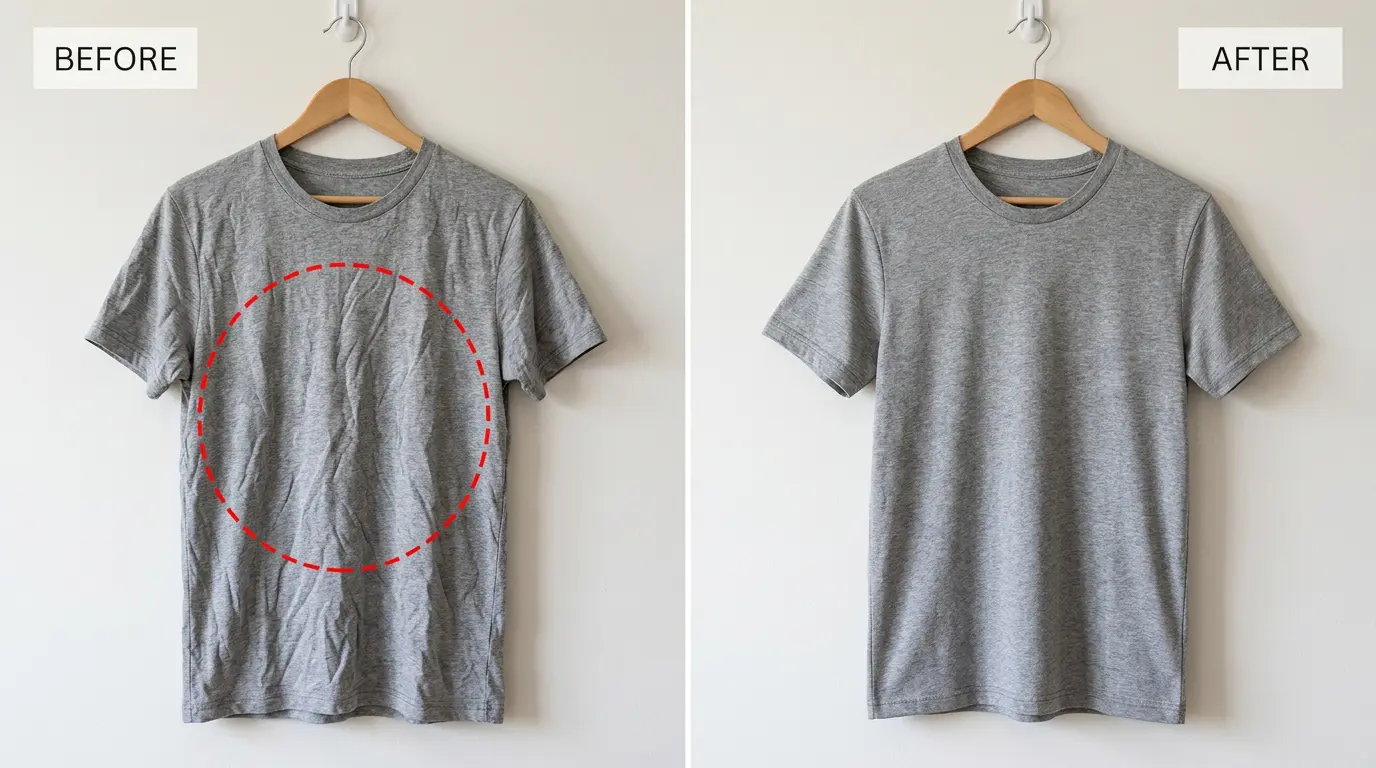
Clothing and fabric editing removes wrinkles, lint, and distortions while boosting textures and details. Clone Stamp, frequency separation, and Dodge and Burn are staples.
This keeps focus on the garment’s quality, aiding online evaluations. It reduces post-shoot fixes, saving time and costs.
Accessories and Product Enhancements
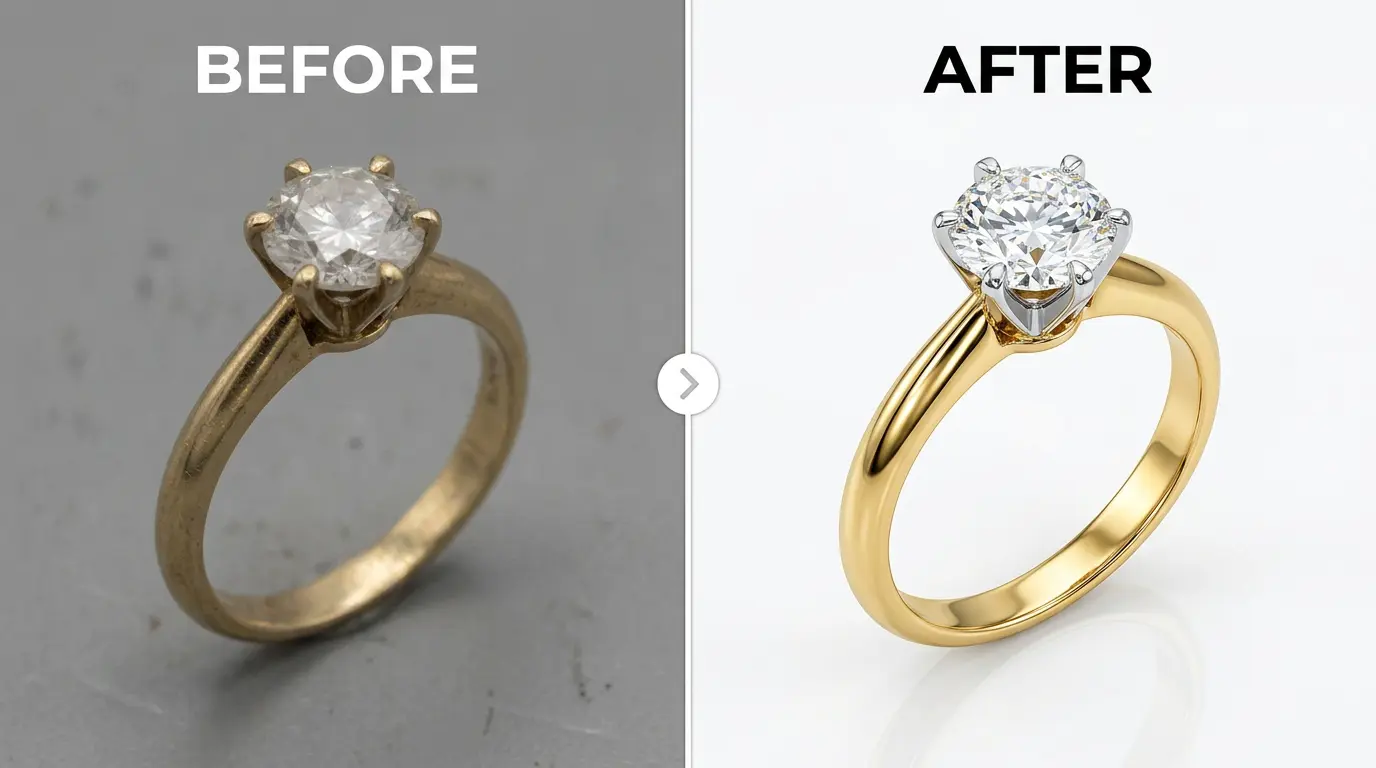
This process refines shine, clarity, and fine details in products such as jewelry by carefully managing reflections and highlights. Each piece appears clean, balanced, and visually striking without losing its natural look.
In eCommerce photography, these enhancements draw attention to craftsmanship, materials, and design accuracy. Well-polished images elevate brand quality, build buyer confidence, and make accessories more appealing, helping products stand out in a competitive marketplace.
Artistic Photo Manipulation
Photo Composition
Photo composition rearranges elements for better balance and focus via cropping, layering, and replacements.
It improves storytelling, making images more engaging and effective.
Why Fashion Photo Editing is Important?
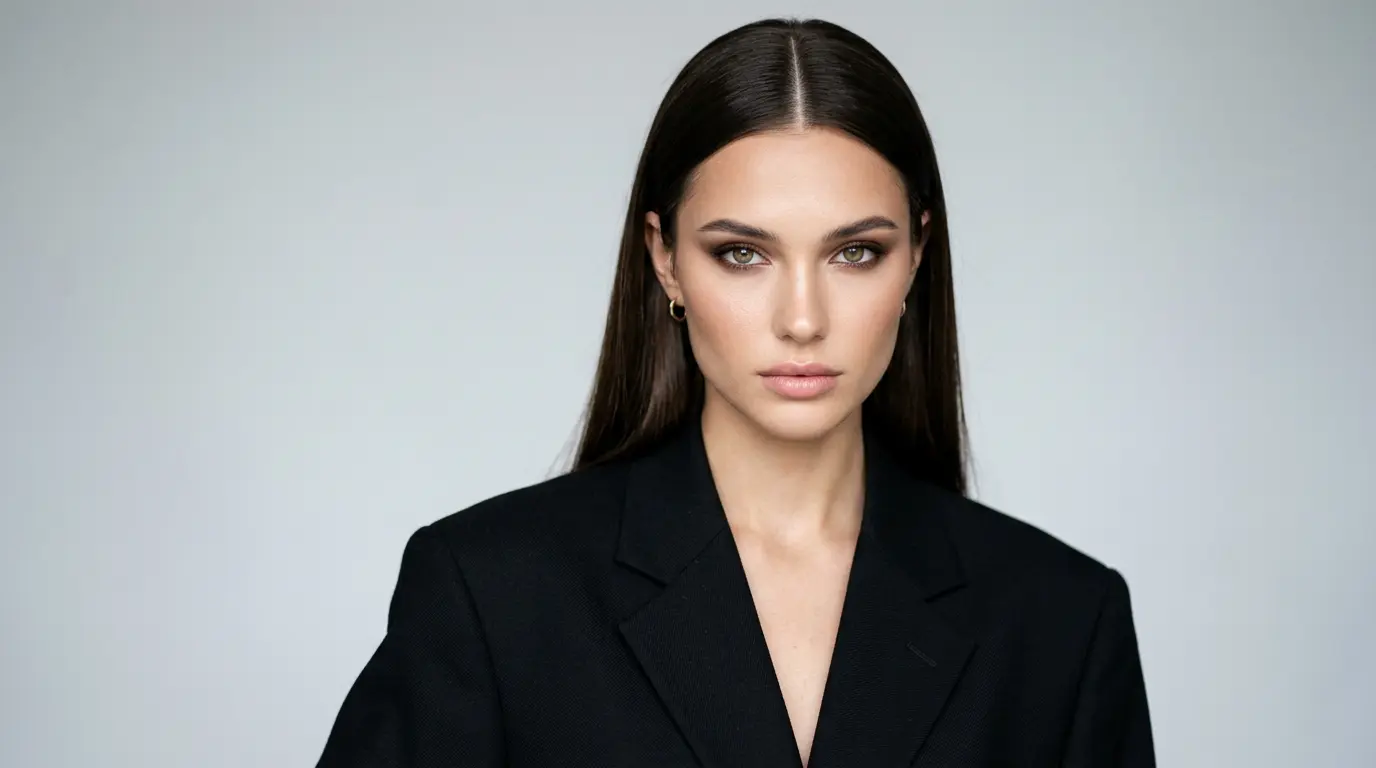
Fashion photo editing is essential for delivering high-quality, consistent, and compelling product representations that resonate with consumers. In a digital marketplace where visuals are the primary touchpoint, edited images can make or break a sale. A 2026 report from Grab On found that high-quality product photos can increase conversion rates by up to 33%, showing how much strong visuals influence online buying decisions. This underscores the direct impact on business outcomes. Beyond statistics, fashion editing addresses key challenges in photography, ensuring accuracy, appeal, and brand alignment. Let’s explore the core reasons why it’s indispensable.
1. Creates a Strong First Impression
Well-edited fashion photos instantly convey quality and professionalism, drawing in potential customers. In milliseconds, shoppers form opinions based on visuals—clean images build trust, encouraging deeper exploration. This positions brands as premium providers, reducing bounce rates and fostering loyalty. For online retailers, a strong visual hook can differentiate in crowded markets, turning browsers into buyers.
2. Ensures Accurate Color and Fabric Representation
Editing corrects color inaccuracies from lighting or camera settings, making fabrics appear true-to-life. Clear and accurate product photos help customers know what to expect, reducing returns and protecting your brand’s reputation. This is especially important for fabrics like silk and denim. Where texture is judged mainly through the image.
3. Builds a Consistent Brand Identity
Uniform editing styles across images reinforce brand recognition. Consistent tones, lighting, and aesthetics create a cohesive look on websites and social media, making campaigns memorable. This elevates perceived value, attracting repeat customers who associate the brand with reliability and style.
4. Highlights Product Value and Details
Retouching spotlights intricate details like stitching or embellishments, allowing customers to appreciate quality remotely. In fashion, where tactile experience is absent online, enhanced visuals facilitate informed decisions, boosting upsell opportunities through clear accessory pairings.
5. Increases Engagement and Conversions
Engaging photos prolong site visits, signaling quality to algorithms, and improving SEO. Higher click-through rates on ads and emails translate to sales growth, with edited images outperforming raw ones in A/B tests. Ultimately, this drives revenue in competitive fashion landscapes.
How Do Editors Edit Fashion Photos?
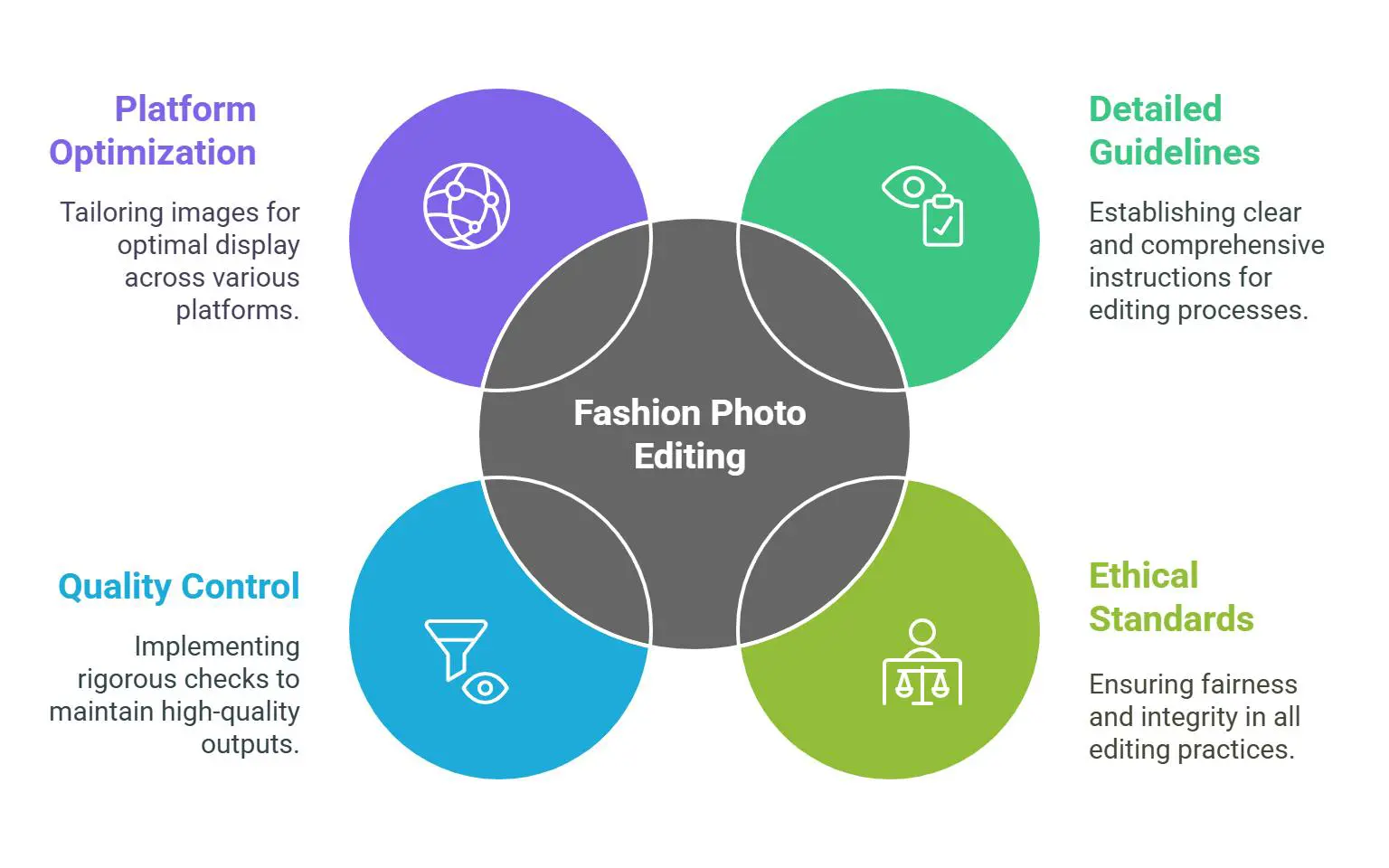
Professional editors follow a methodical workflow to turn raw captures into stunning visuals. It begins with shot selection and RAW file preparation for optimal detail retention. Using software like Adobe Photoshop for intricate retouching, Lightroom for batch color work, or Capture One for precise adjustments, they ensure efficiency.
The sequence typically includes resizing for platform specs, color correction to match real hues, retouching skin and clothing for flawlessness, background tweaks for focus, and final grading for brand consistency. Non-destructive editing preserves originals, allowing revisions. Consistency is important in batch photo editing. Every image should look clean, professional, and consistent while matching current style trends.
Editors work closely with photographers and brands, using feedback to refine every image. AI can handle repetitive tasks quickly. But experienced professionals review each edit to maintain creativity, accuracy, and a polished final result. This balanced approach saves time and helps turn photos into stronger marketing assets.
How Do You Edit a Luxury Fashion Photo in Photoshop?
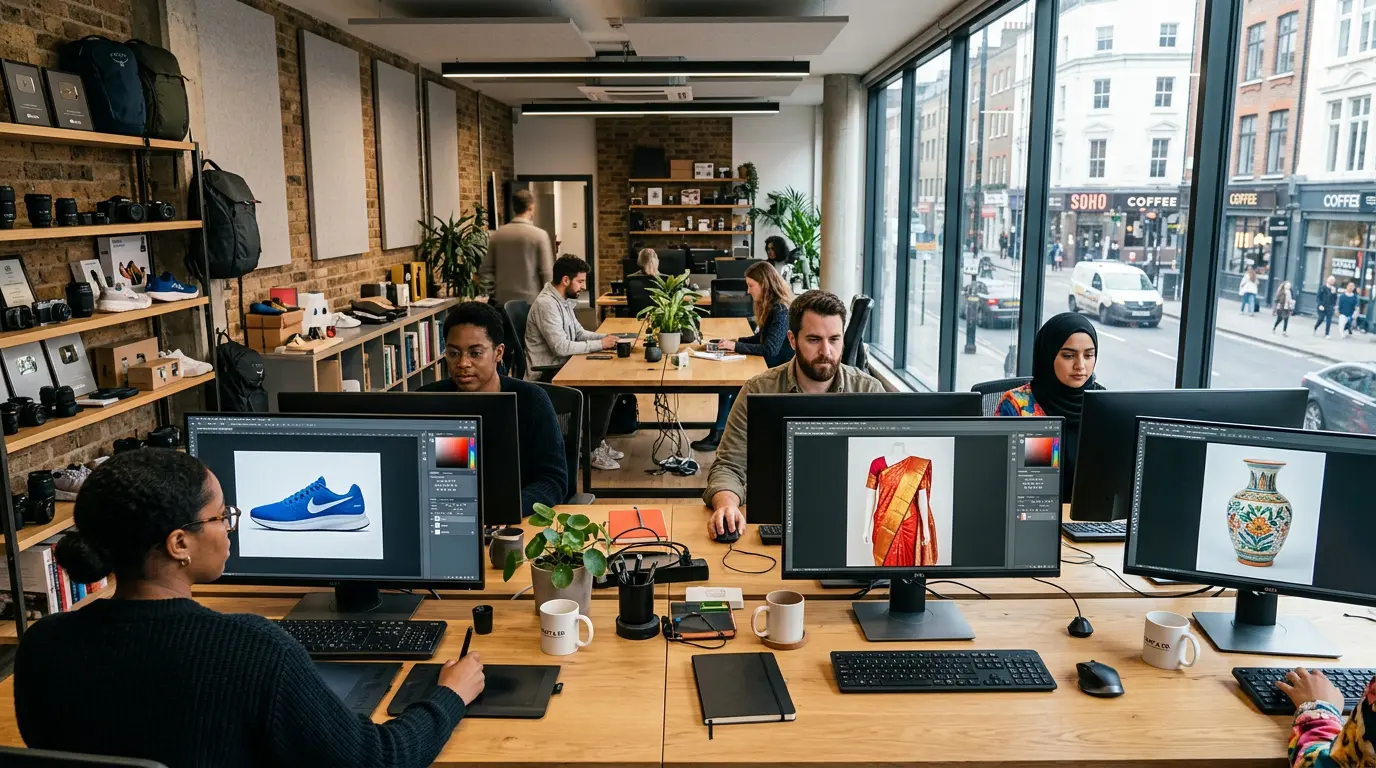
Editing luxury fashion photos in Photoshop requires precision to achieve an opulent, refined result. Here’s a detailed step-by-step tutorial to guide you through the process, from import to export.
Step 1: Open and Prepare the Image
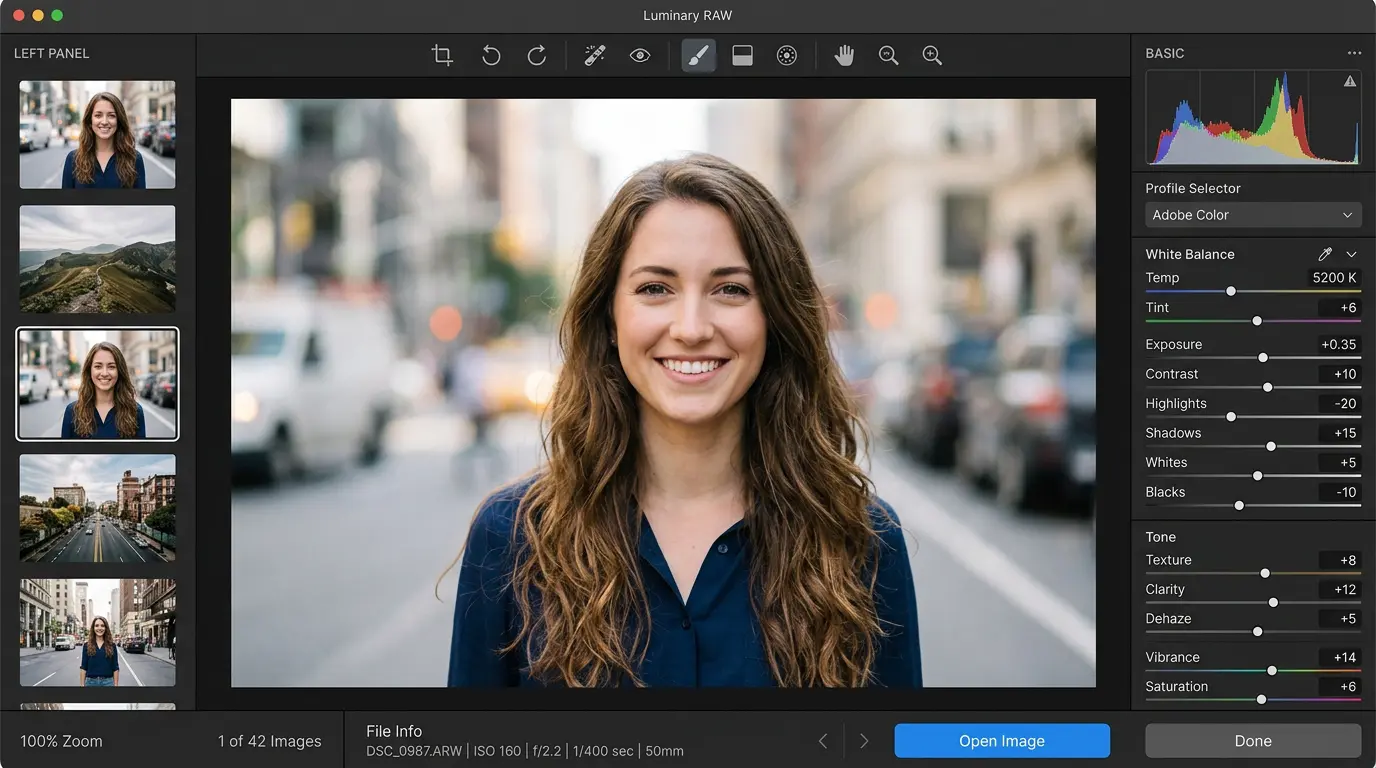
Launch Photoshop and go to File > Open, selecting your RAW file. It opens in Camera Raw—adjust basics like Exposure for brightness, White Balance for color accuracy, Highlights to recover details, and Shadows to lift dark areas. Fine-tune Clarity for sharpness and Vibrance for subtle color pop. Once balanced, click Open Image to enter Photoshop’s main workspace. This foundation ensures maximum flexibility for further edits.
Step 2: Eliminate Imperfections for Clear Images
Create a duplicate layer (Layer > Duplicate Layer) for non-destructive work. Use the Spot Healing Brush (J key) to zap dust, scratches, or lint by sampling nearby pixels. For stubborn spots, switch to the Clone Stamp (S key), holding Alt to sample and paint over issues. Zoom in (Ctrl/Cmd +) for precision, and use the Patch Tool for larger areas. This step clears distractions, focusing attention on the luxury elements.
Step 3: Apply Retouching to Models
On a new layer, employ Dodge (O key, set to Highlights) to brighten underexposed areas and Burn (O key, set to Shadows) to deepen contrasts for depth. For skin, apply Frequency Separation: Duplicate layers twice, apply High Pass filter to the top (gray at 3-5 pixels), set to Linear Light; Gaussian Blur the middle (3-5 pixels), and setthe bottom to Color. This separates texture, allowing independent smoothing. Use the Liquify tool (Filter > Liquify) sparingly for posture tweaks, ensuring natural proportions.
Step 4: Refine the Foreground and the Background
Isolate the subject with the Pen Tool (P key) for paths or Quick Selection for faster masks. Refine edges via Select > Select and Mask. Use Liquify on clothing to smooth wrinkles. Enhance fabrics with High Pass sharpening (Filter > Other > High Pass, overlay blend). For backgrounds, create a mask and replace with gradients or solids, or clean with Content-Aware Fill. Add shadows via new layers for realism.
Step 5: Finalize and Export
Apply Curves (Image > Adjustments > Curves) for contrast and Selective Color for targeted hues, crafting a luxurious palette. Sharpen with Unsharp Mask (Filter > Sharpen), then review at 100% zoom. Export via File > Export > Export As, choosing JPEG for web (quality 80-90) or TIFF for print. Save the PSD for future edits. This results in a high-end image ready for luxury branding.
How Do You Find the Best Fashion Photo Editor?
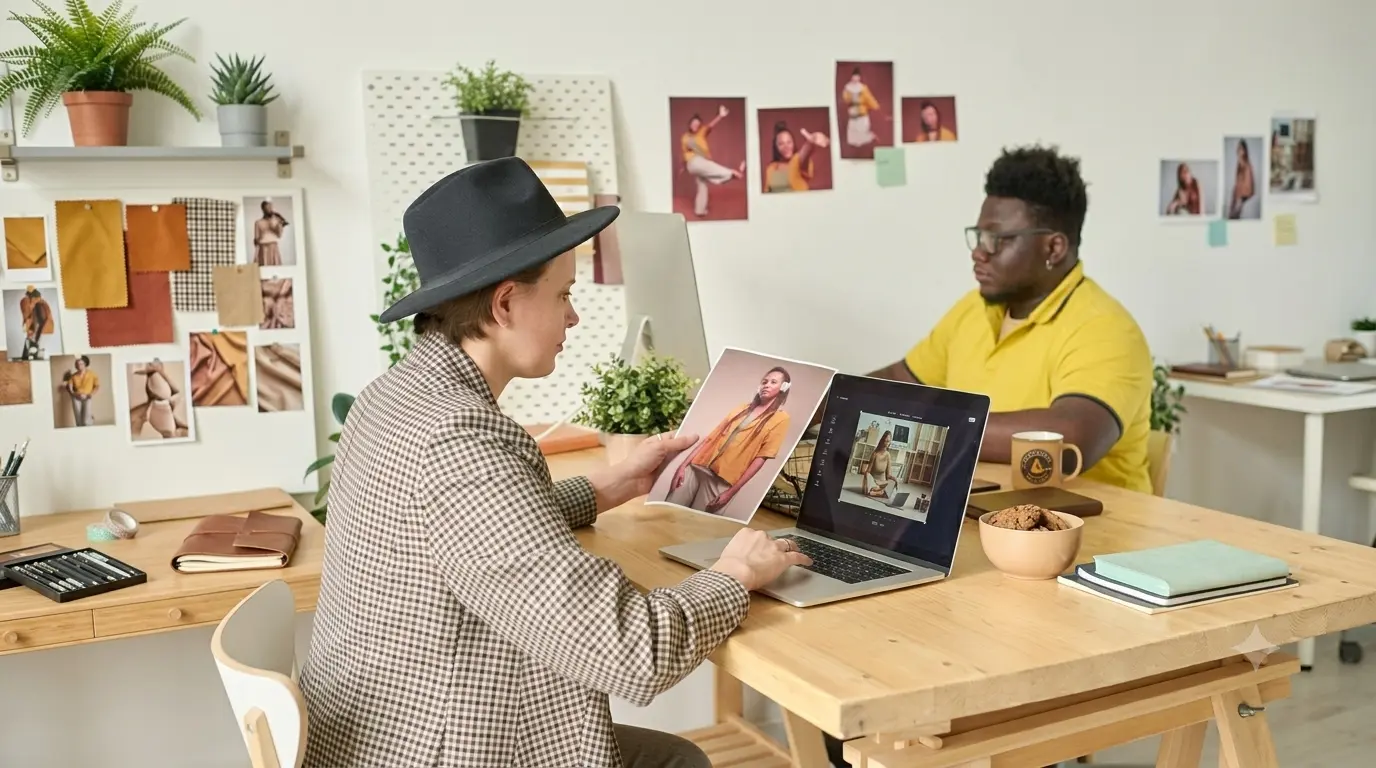
Selecting the ideal fashion photo editor involves strategic steps to match your project’s demands with expert capabilities. Here’s how to navigate the process effectively.
- Define your requirements: Outline specific needs like retouching styles (natural vs. dramatic), volume (e.g., 100 images weekly), and deadlines. This helps identify editors specializing in e-commerce, editorial, or creative work, ensuring alignment with your vision.
- Estimate image volume and deadlines: Review potential editors’ capacities on their websites or via inquiries. Look for those handling high volumes during peak seasons. With turnaround times of 24-48 hours for standard edits, to avoid bottlenecks.
- Analyze portfolio: Examine galleries for consistency, quality, and relevance. Check if their style—subtle enhancements or bold manipulations—fits yours. Request a free trial edit on sample images to assess real-world performance.
- Check reviews: Scour platforms like Google, Trustpilot, or Clutch for authentic feedback on reliability, communication, and results. Pay attention to comments on meeting deadlines and handling revisions, as they reveal service depth.
- Understand pricing models: Compare structures like per-image ($0.50-$5), hourly ($20-$50), or project-based. Factor in premiums for complex tasks or rush jobs, selecting options that scale with your budget and workflow.
- Communicate directly: Connect by phone or email to discuss the editing process. Software expertise such as Photoshop, quality guarantees, and preferred delivery formats. Clarify revisions policies and technical specs, like resolution, to build a trustworthy partnership.
Where to Get the Outsource Fashion Photo Editing Services Near Me?
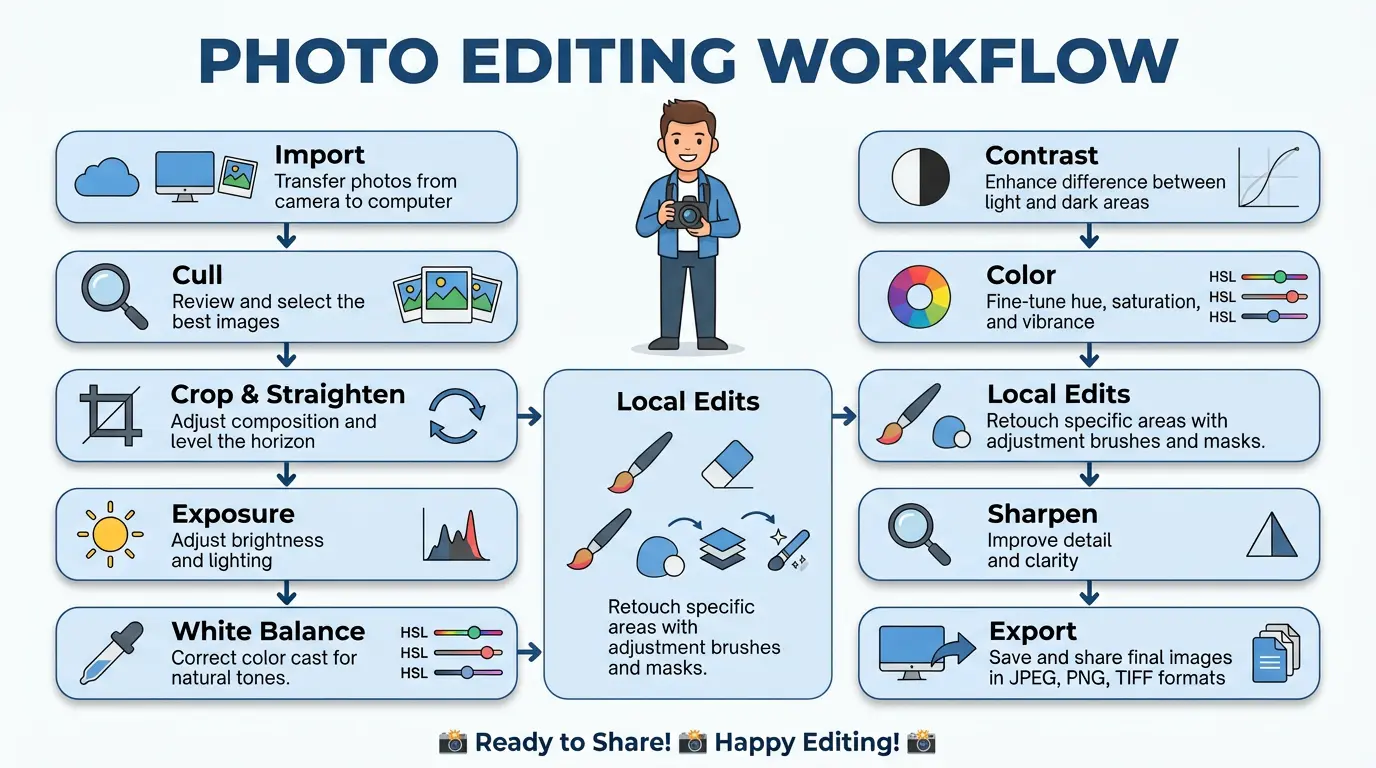
Finding reliable outsourcing for fashion photo editing locally starts with targeted online searches. Use Google with phrases like “fashion photo editing services in [your city]” to uncover nearby providers. Evaluate them through Google and Trustpilot reviews for insights into quality and responsiveness. For broader options, seek recommendations on forums like Reddit’s r/photography or Quora’s editing threads, where professionals share experiences. Consider global firms with local branches for cost savings without compromising quality, ensuring they offer secure file transfers and quick turnarounds.
Final Thoughts
Fashion photo editing is not about making a photo look fake or overly perfect. It is about helping customers see a product clearly and feel confident about what they are buying. Small improvements in color, lighting, skin tone, and fabric details can completely change how a fashion image is perceived.
The most effective fashion photos are the ones that look clean, natural, and consistent across a brand’s website, social media, and marketing materials. Good editing supports the product, strengthens brand identity, and creates a better shopping experience for customers.
Whether you edit images yourself or work with professionals, investing in quality fashion photo editing is a smart decision for any fashion business. In today’s online market, strong visuals are often what turn a visitor into a customer.
Ready to make your fashion photos look more professional? Get a free sample edit from GRASIGNER today and see how expert retouching can improve your brand’s image and increase customer confidence.
FAQ’s About Fashion Image Editing
What is color grading in fashion photo editing?
Color grading refines tones, hues, and contrasts post-correction to establish a signature style. It enhances realism, aligns with brand themes, and adapts to seasons, using tools like curves for mood-setting effects that elevate image appeal.
Should fashion brands outsource photo editing services?
Absolutely, outsourcing ensures expert handling of high-volume edits, freeing brands for core operations. It delivers consistent quality at lower costs, with professionals using advanced techniques to maintain fresh, on-brand visuals that drive sales.
Can AI tools be used in fashion photo editing?
Yes, AI is great for basic corrections and batch editing. But brand-specific and creative retouching still needs human expertise. The best results come from combining AI speed with professional artistic judgment.
How much does fashion photo editing cost?
Costs begin at $0.29 per image for basic services at providers like Offshore Clipping, escalating to $5+ for intricate retouching based on complexity, volume, urgency, and expertise. Bulk discounts and packages often apply, making it scalable for brands of all sizes.